



Day Recap
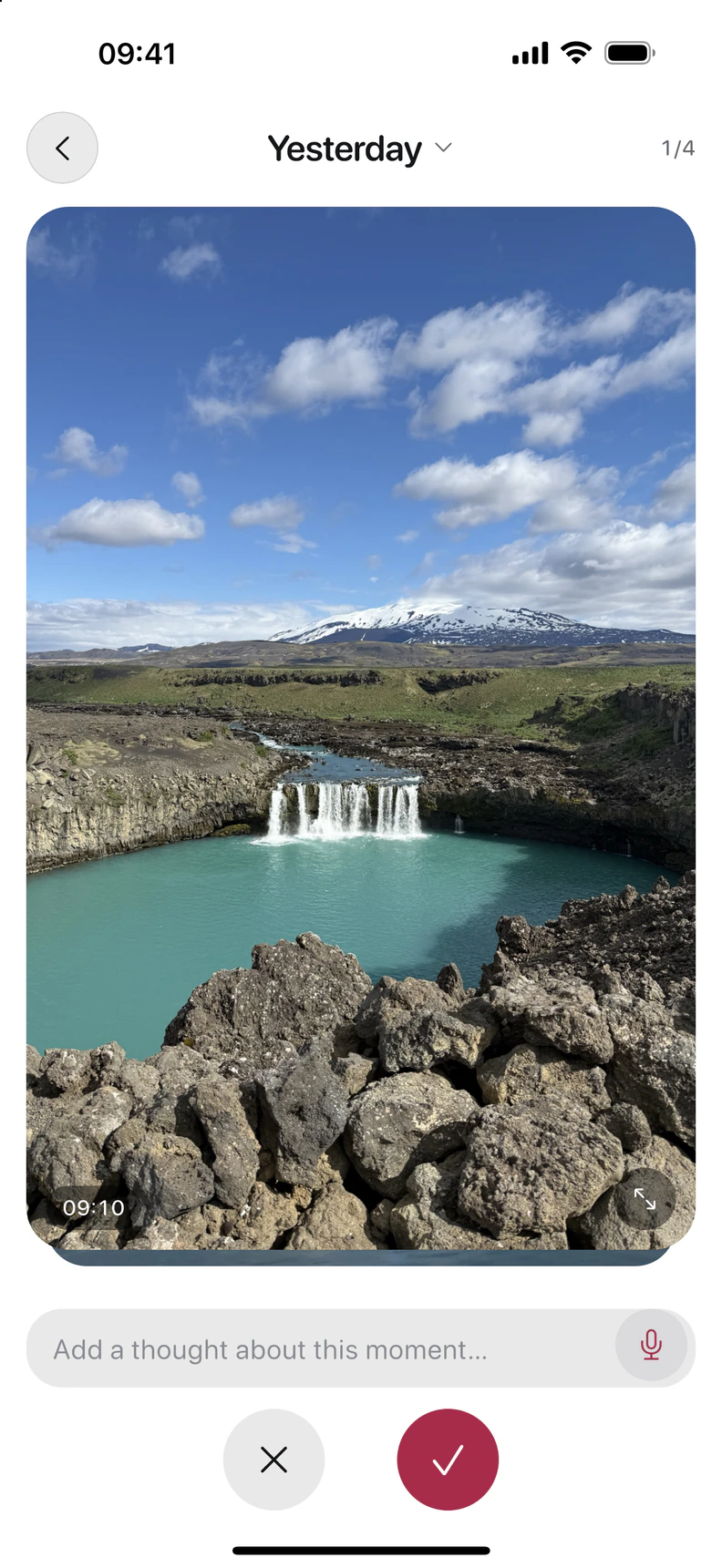
Swipe through your day.
Your photos already tell a story. Pick your favourites and add the thoughts behind them.
- Choose your photos
- Add your thoughts
- Keep your day
Your private photo journal for iPhone. Choose your photos and add what happened, in writing or with a voice note.



Keep what happened. Come back to what mattered.
Your photos already tell a story. Pick your favourites and add the thoughts behind them.
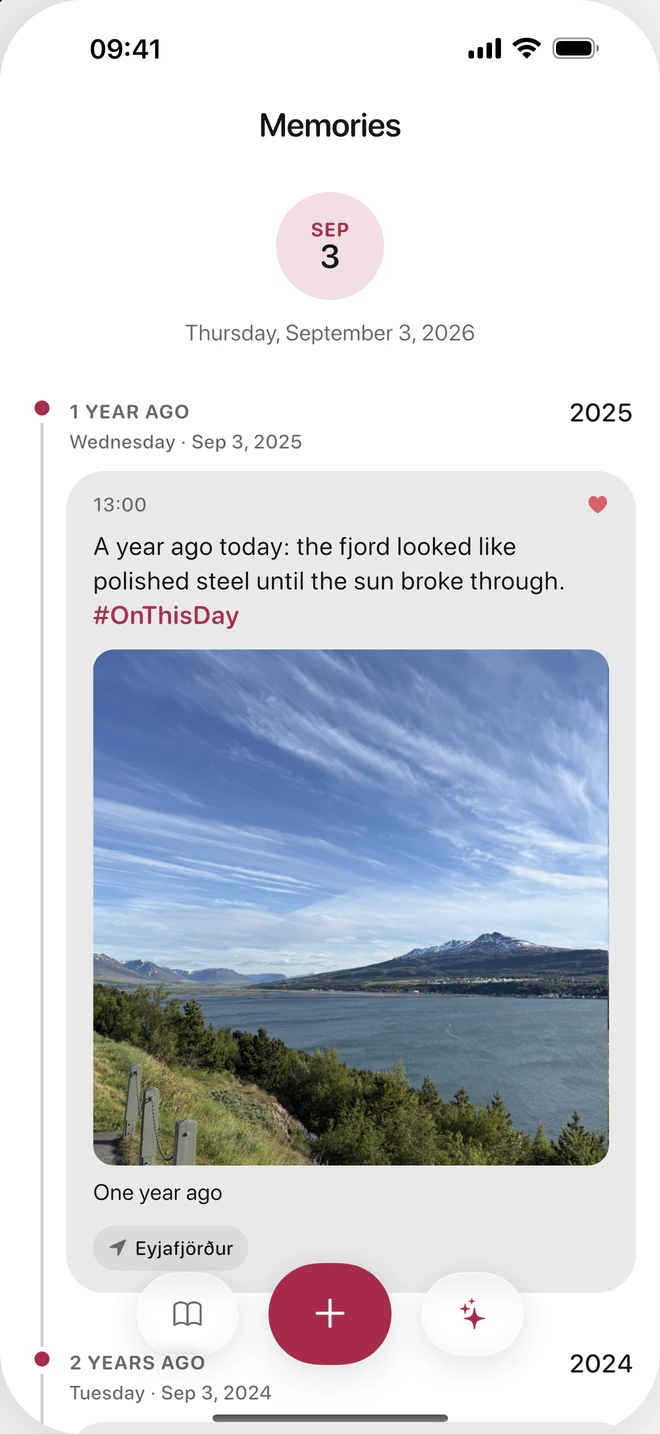
This day, a year ago. Or two. DayJar takes you back to your own stories.
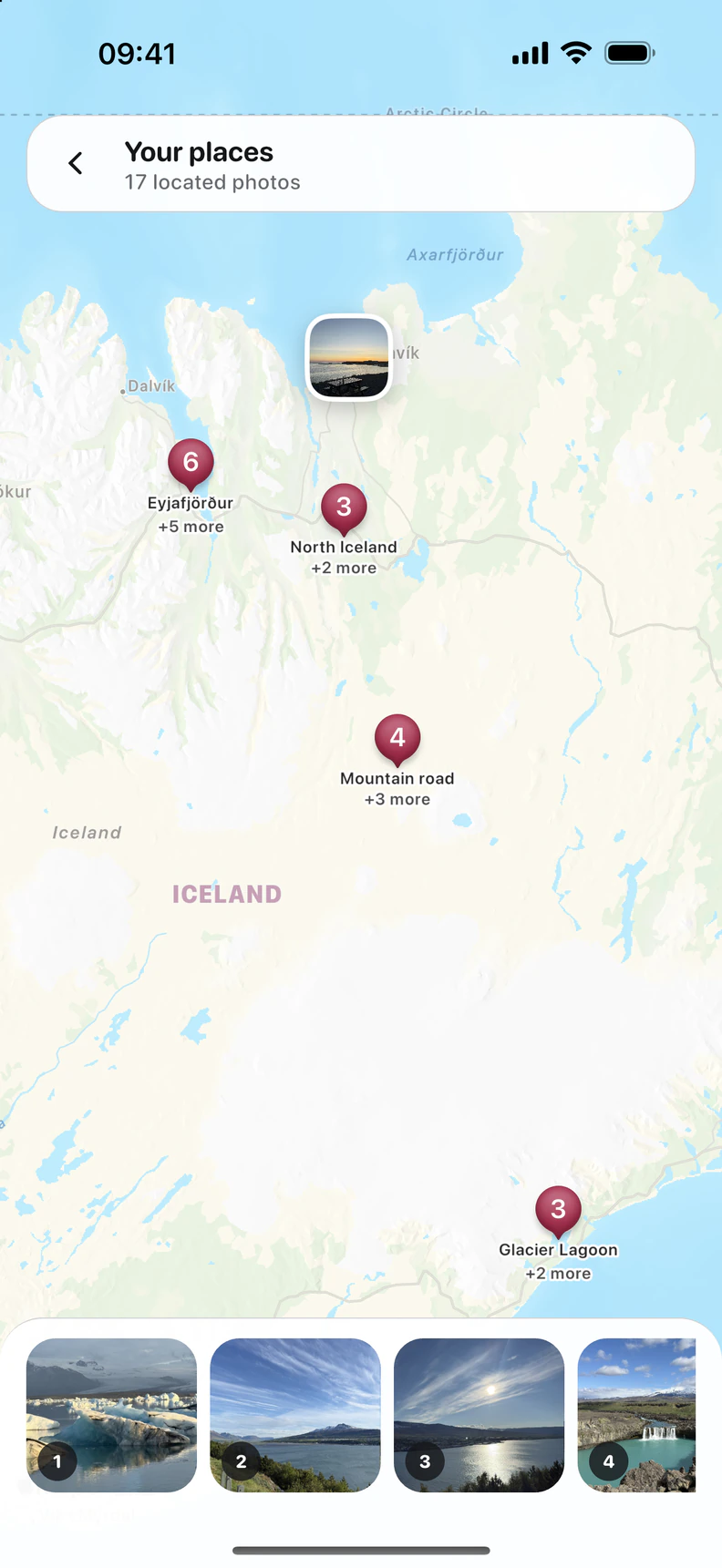
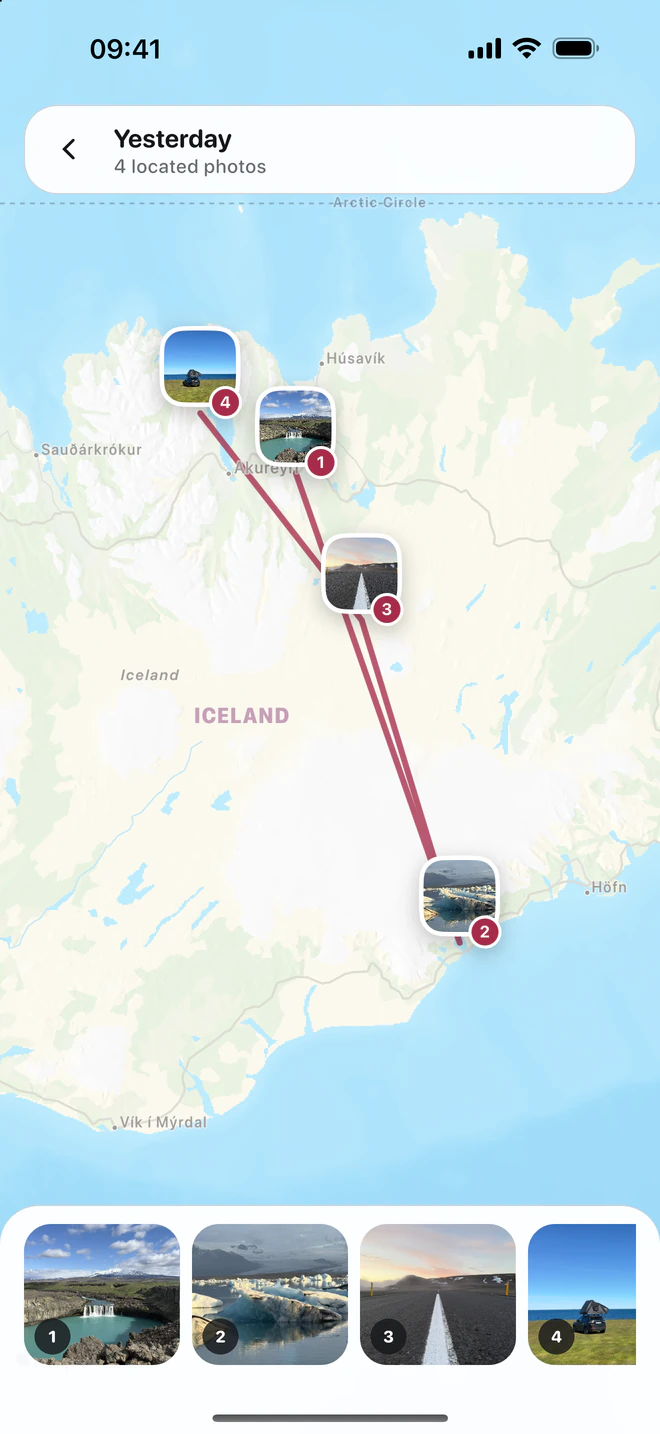
Find your entries on the map, through the places saved in your photos.
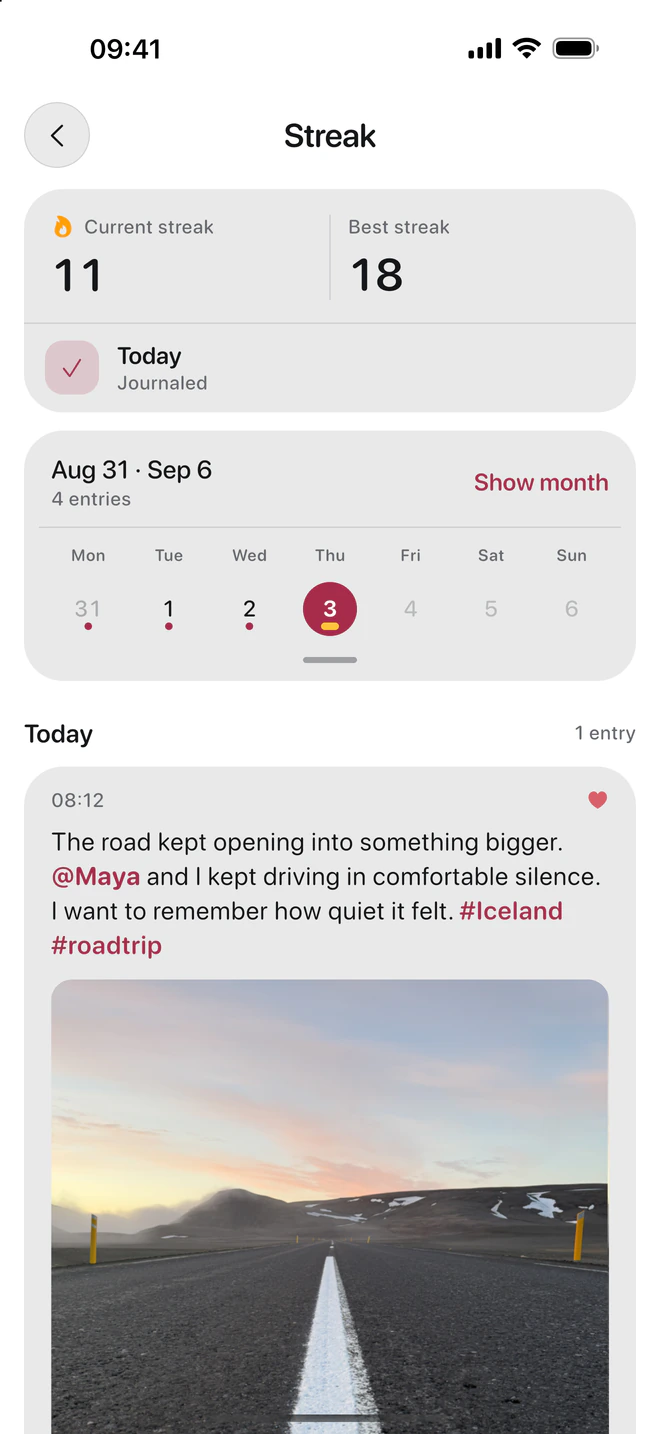
A few words, a voice note, a moment in motion. Keep how your day felt, too.
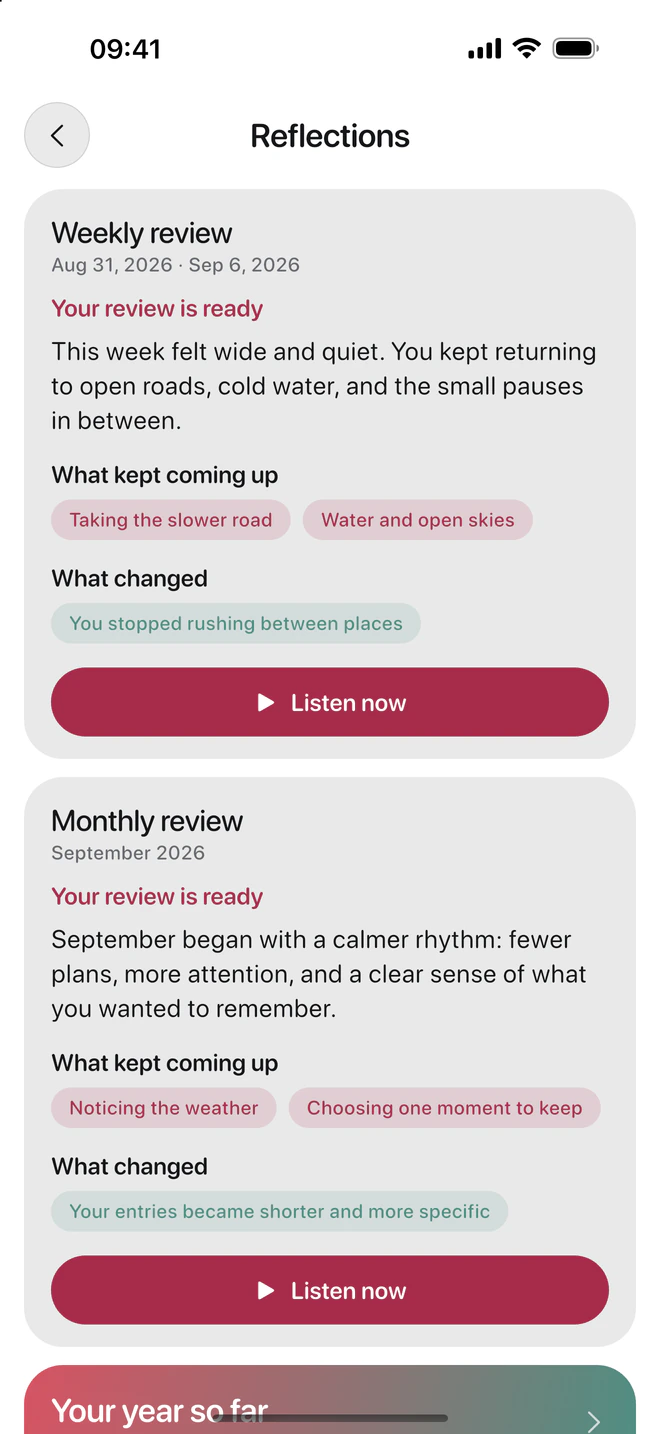
Apple Intelligence brings your entries together in weekly and monthly reflections. Read them, or listen back.
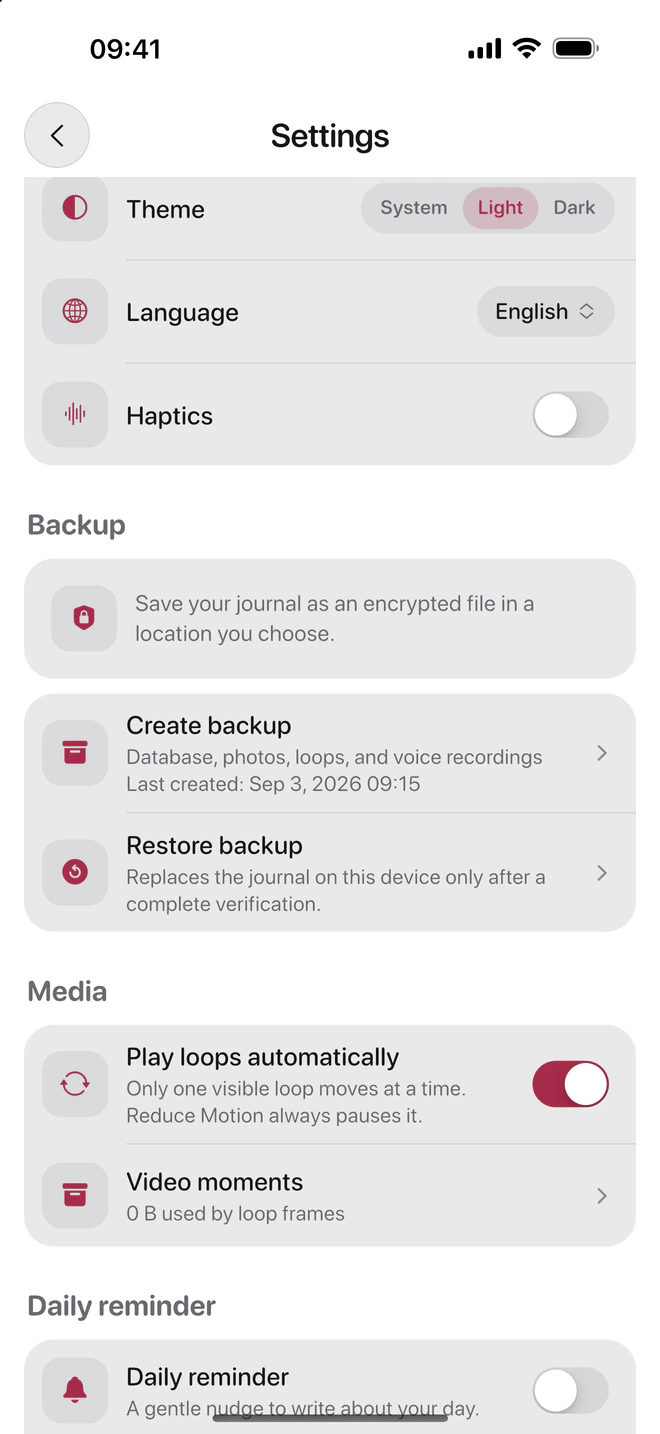
With DayJar Pro on supported devices.Your journal lives on your iPhone. Save an encrypted backup in a place you choose.
More about privacy
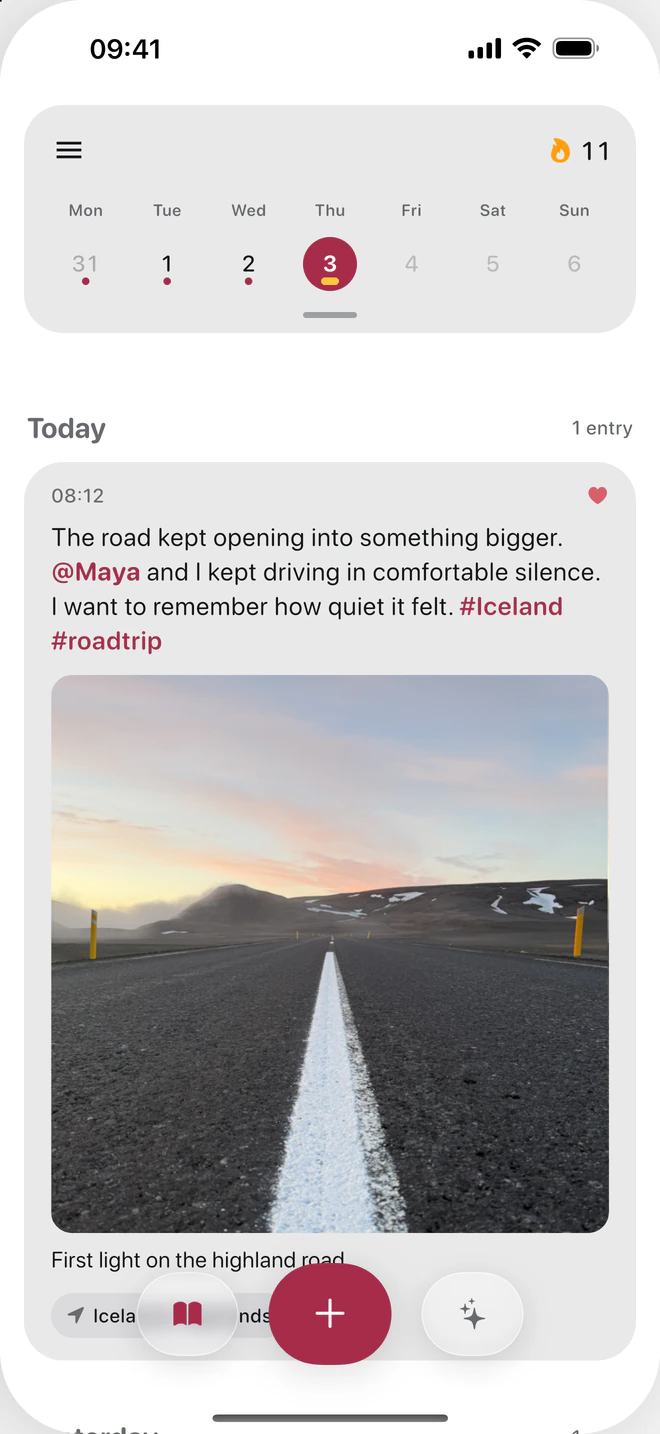
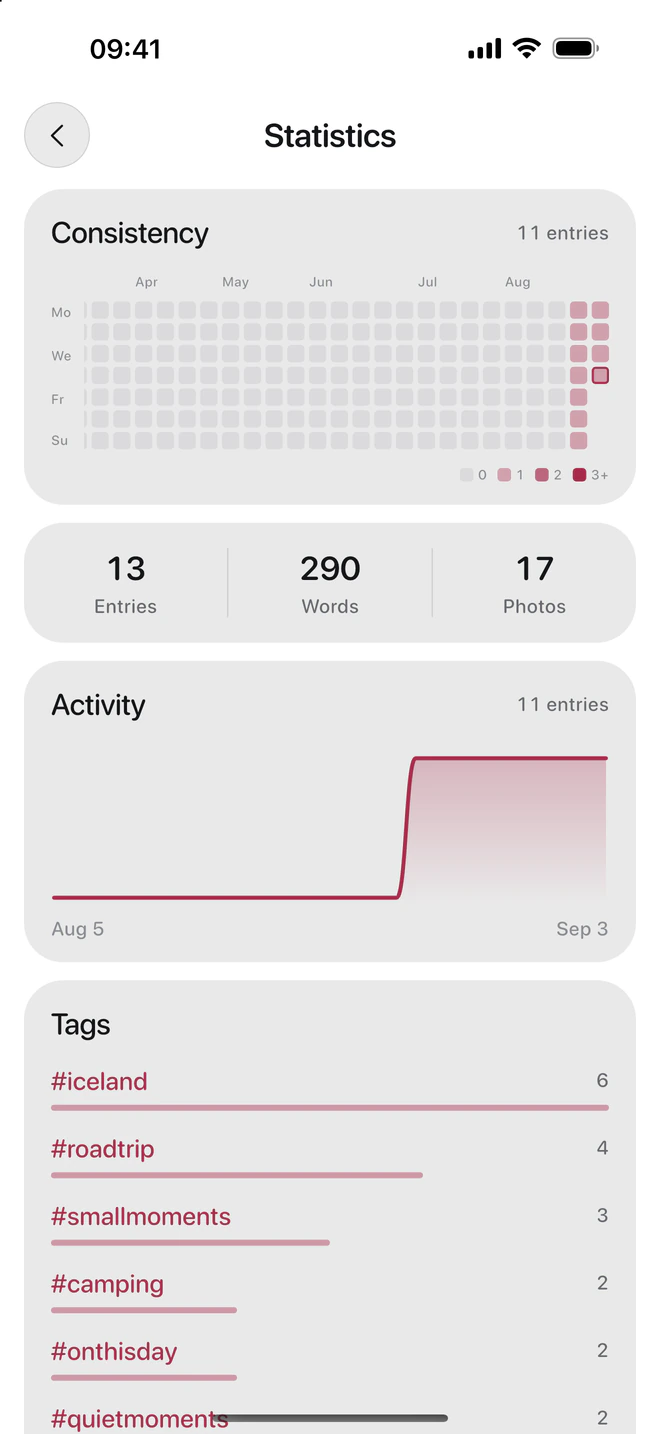
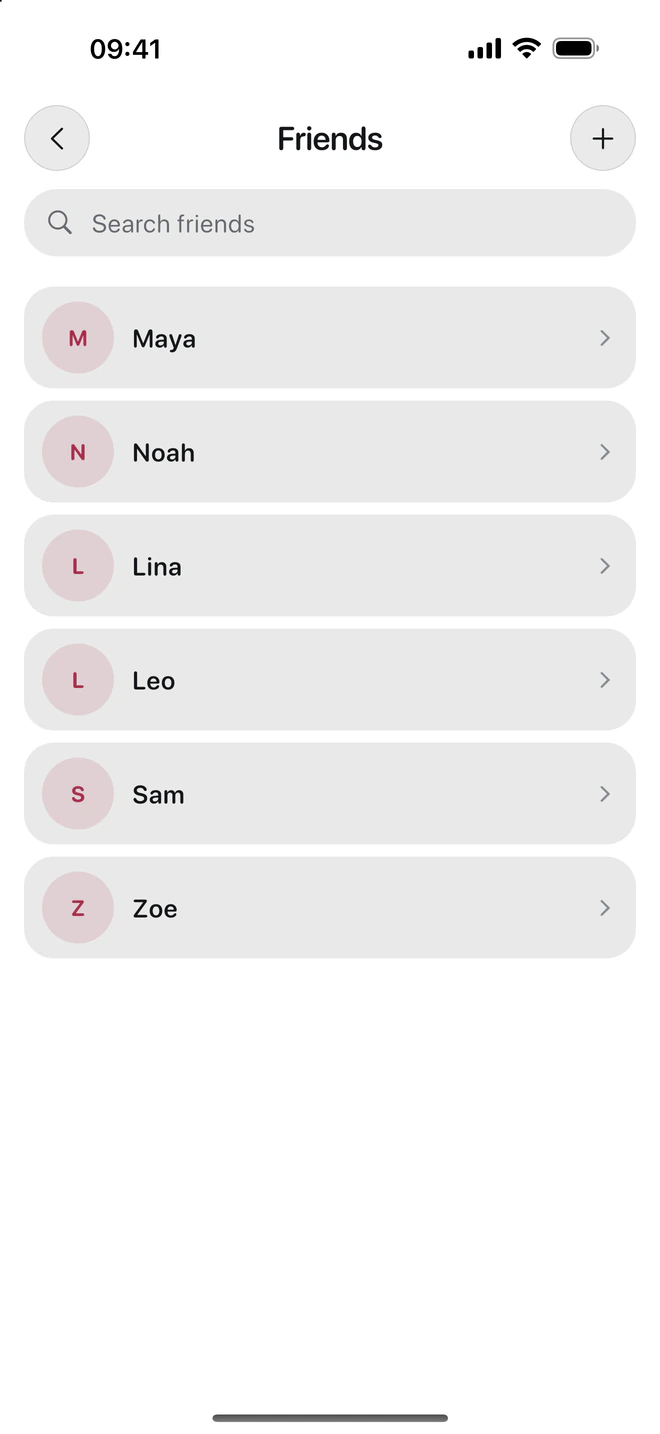
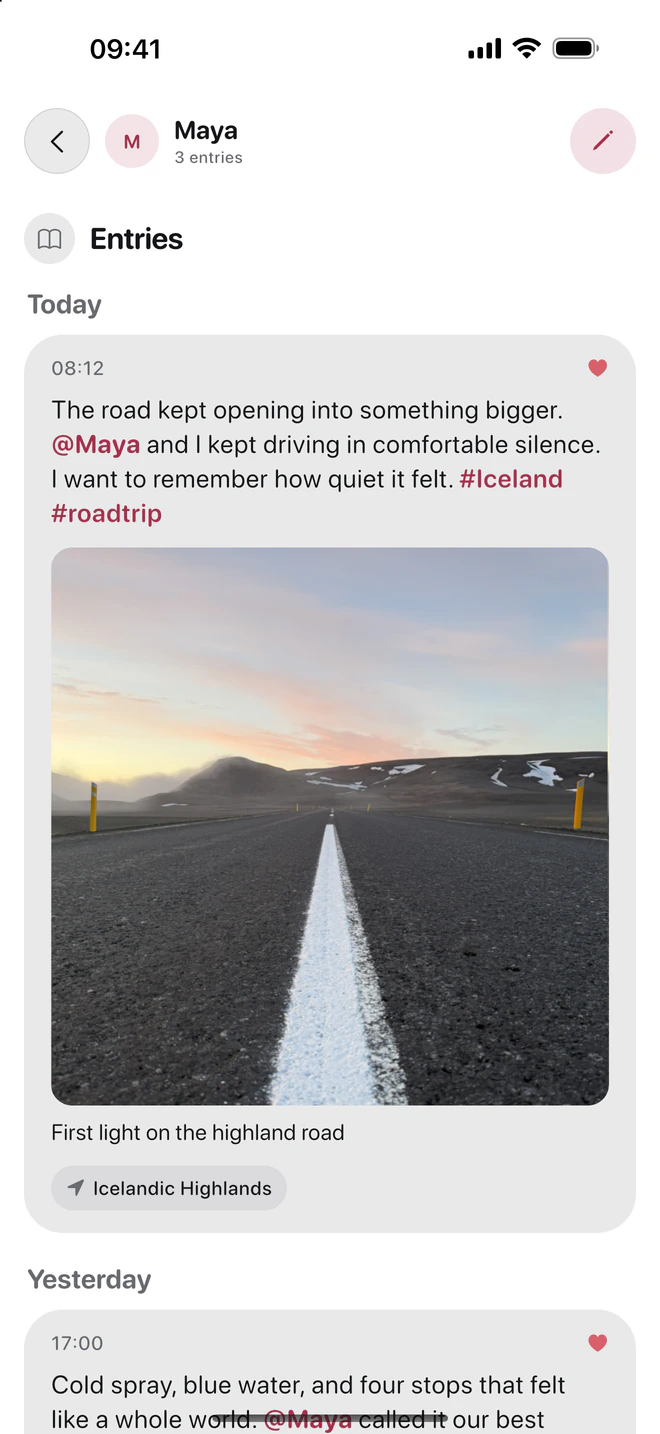
A look inside the iOS app, shown here in English.
Swipe through real DayJar App Store captures, from Day Recap to places, search, and backup.



Yes. You can explore everything in DayJar Pro for your first 30 days. After that, DayJar stays free to use, including Day Recap. Your existing entries and media stay available. Maps and new weekly and monthly reflections then require DayJar Pro.
Your entries and media are stored locally on your iPhone. You can create an encrypted backup file and choose where to keep it. Sync through DayJar is not currently available.
Automatic weekly and monthly reflections require an iPhone that supports Apple Intelligence, with Apple Intelligence enabled and a supported language. You can use photos, your own thoughts, and Day Recap without Apple Intelligence.

Make it a memory. With DayJar for iPhone.
 Questions about DayJar?