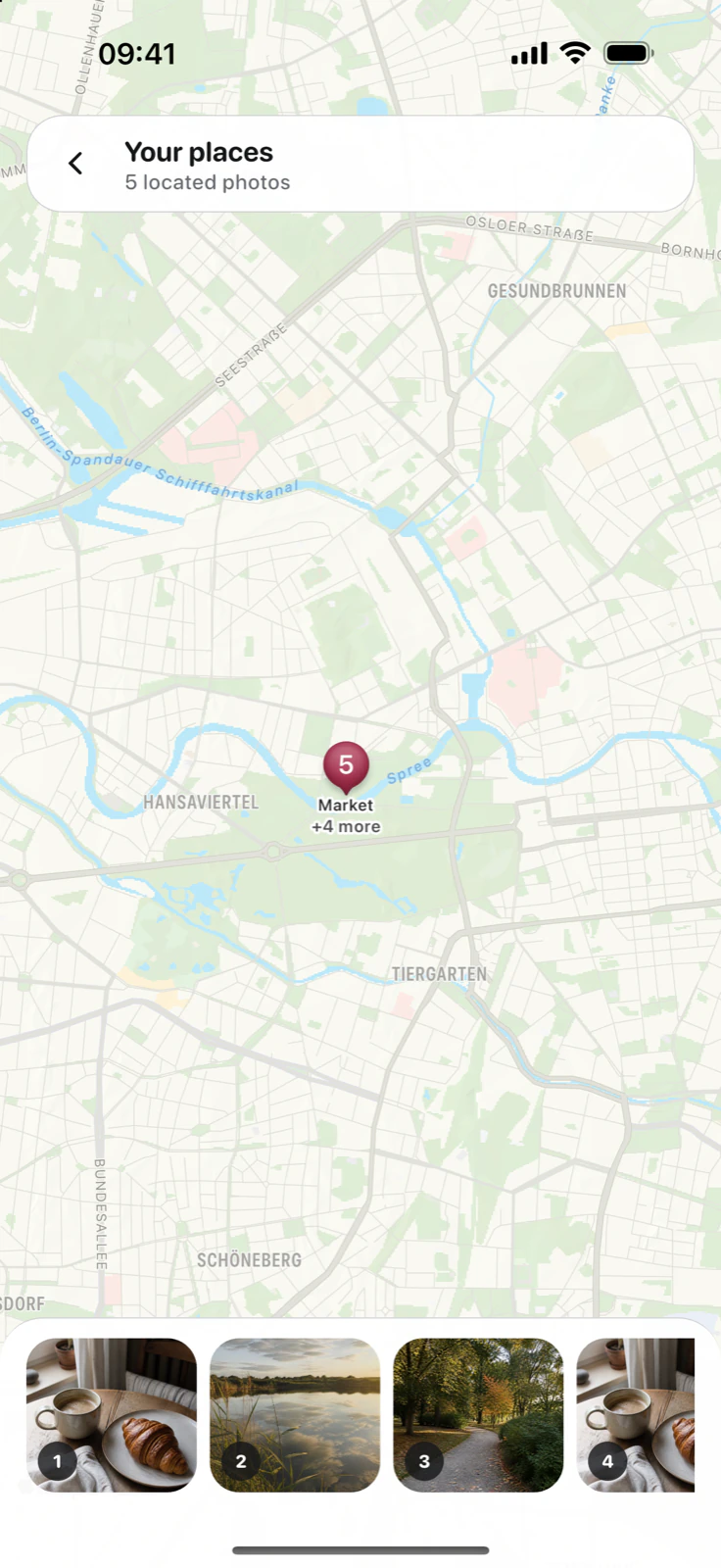



View places on the map
The map shows photos whose location is saved in the journal entry.
Reviewed: Available in DayJar 1.0.0 and lateriPhone
Places brings together photos whose location you chose to keep. It is available for the first 14 days and with DayJar Pro afterwards.
When you open the view, the iPhone loads map data from Apple. DayJar does not publish your places or operate a public map.
To remove a photo from the map, remove its location chip from the related entry. The chip remains visible without DayJar Pro and can still be removed.